Employees

Employees
Employees
If you are experiencing an issue with your RowanCard, log a support ticket at support@rowan.edu.
You can request a door reader online for your building following the step-by-step instructions.
Wireless lock help:
Rowan is beginning to roll out the next generation of wireless locks. As they begin to arrive in your building there is a new way to interact with those locks. See the video below to help you.
Employees can add Rowan Bucks to their cards:
Every employee is eligible to add RowanBucks to their RowanCard for use around campus included but not limited to dining, vending machines, and our off-campus merchants. You can also download the GrubHub app and load your RowanCard to make purchases using your Rowan Bucks at all of our on-campus dining locations and off campus merchants.
How to validate credentials on Rowan wireless locks:
How to add money to your RowanCard:
Money added to your RowanCard will be available immediately after you receive your credit card authorization.
Review our RowanCard merchant partners.
Deposit RowanBucks
1. Go to myrowancard.rowan.edu
2. Click on STUDENT & STAFF LOGIN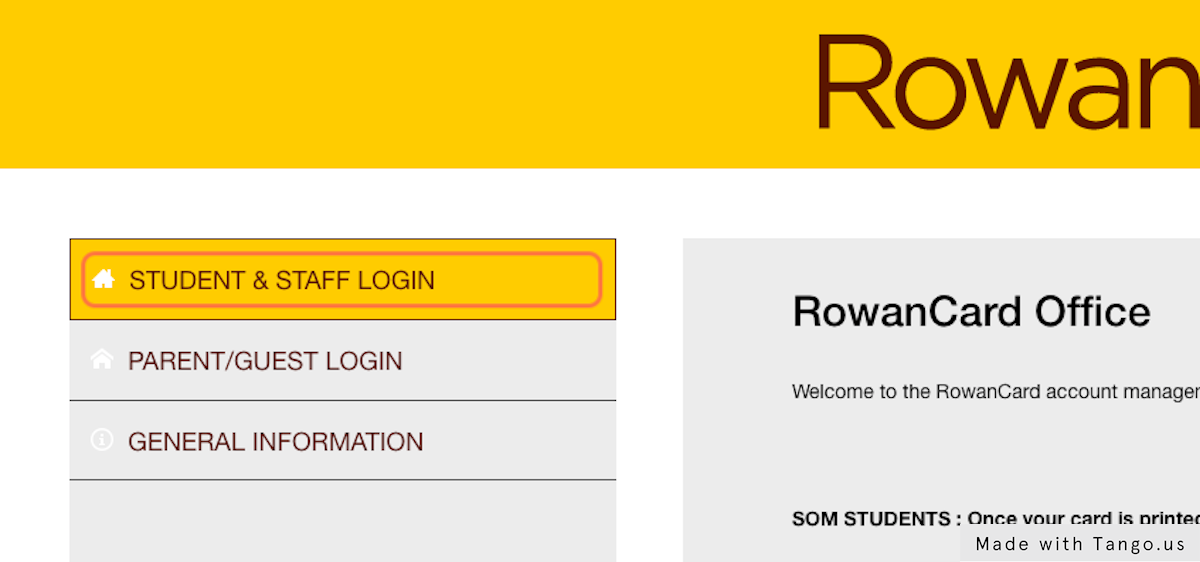
3. Click on MAKE A ROWANBUCKS DEPOSIT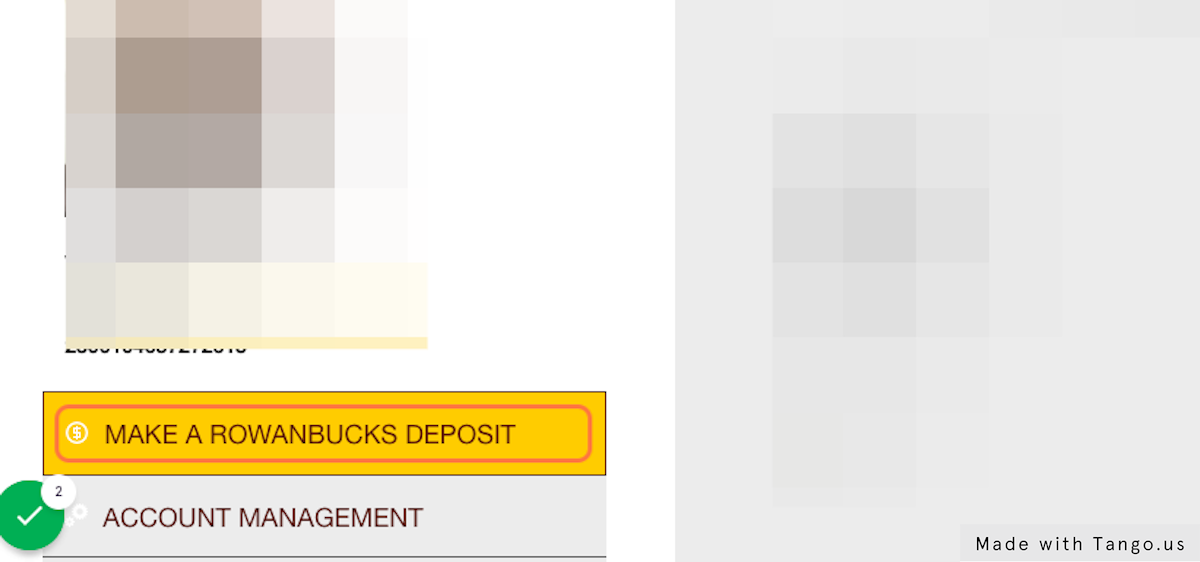
4. Select an Amount from the drop down box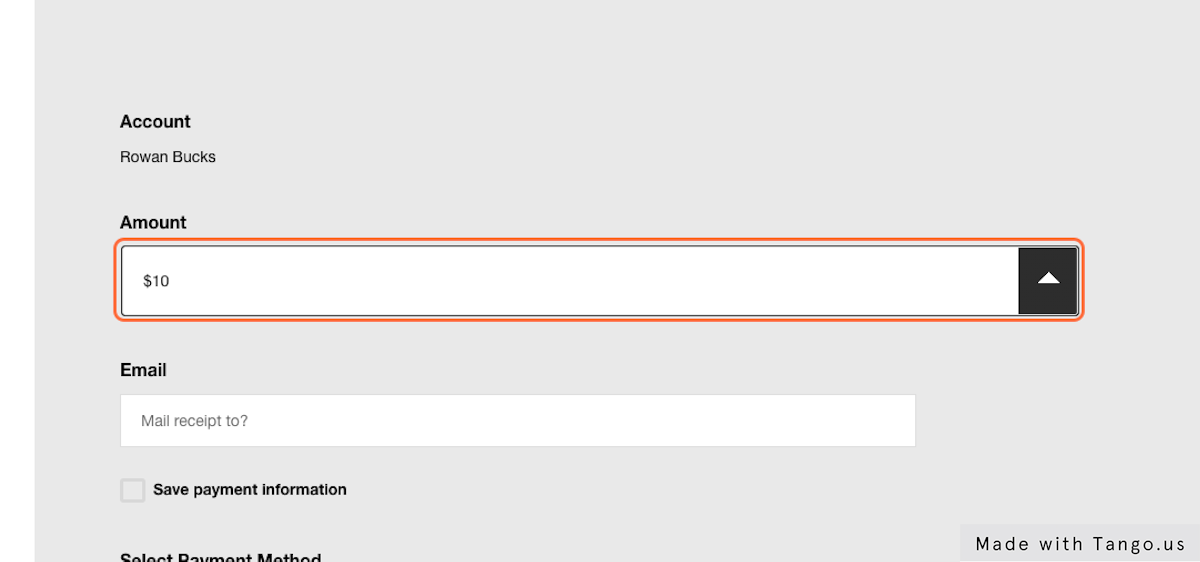
5. Type the email you want the receipt sent to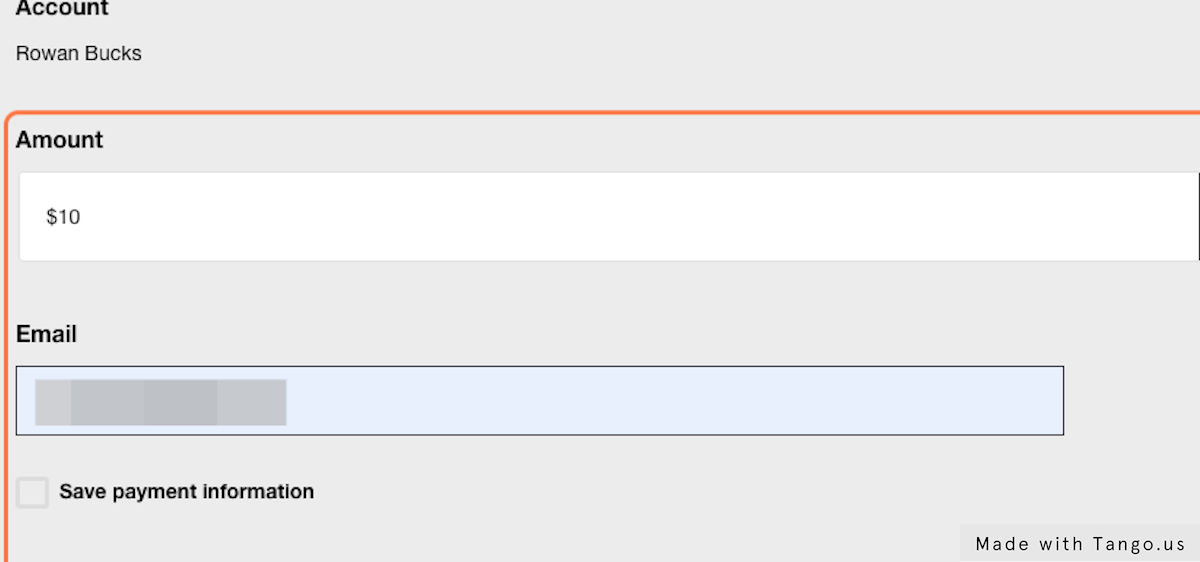
6. Select a new payment method to enter a credit card or use a pre-saved credit card on file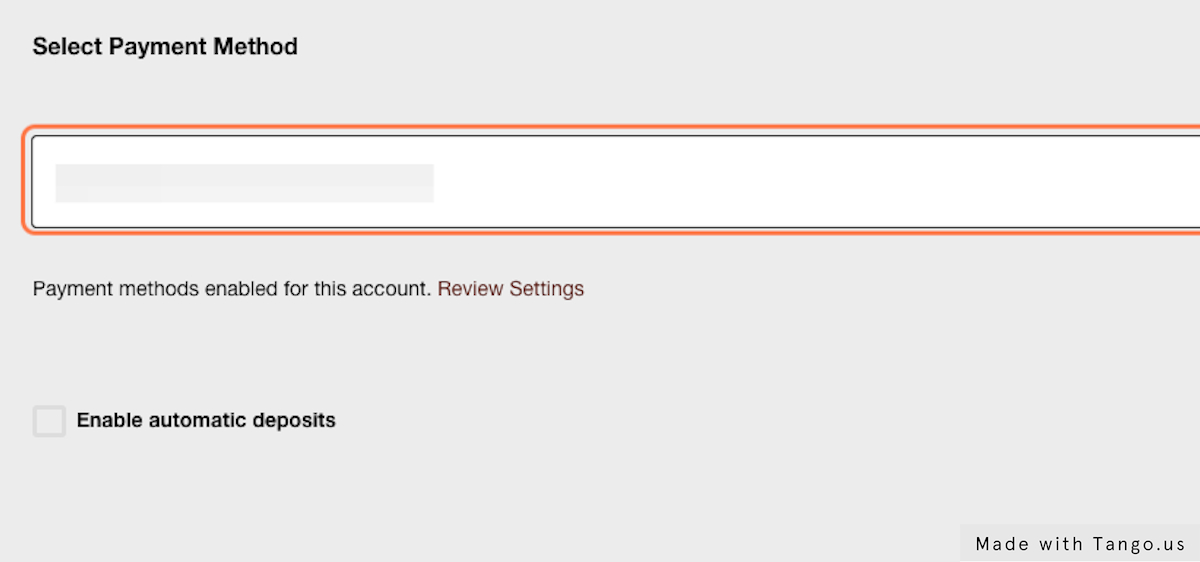
7. Click on Continue to payment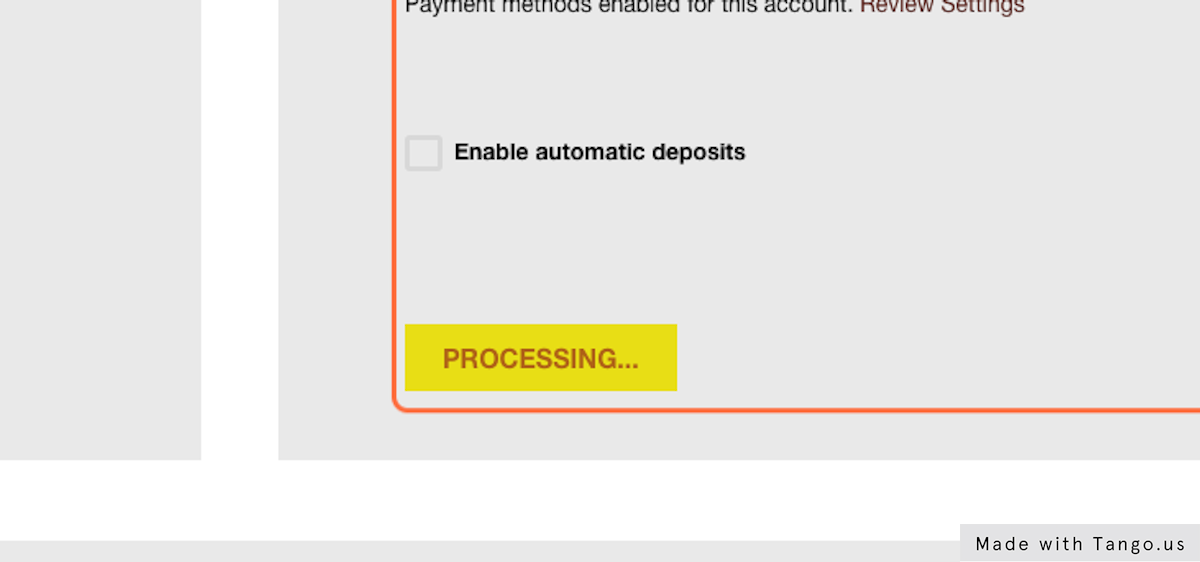
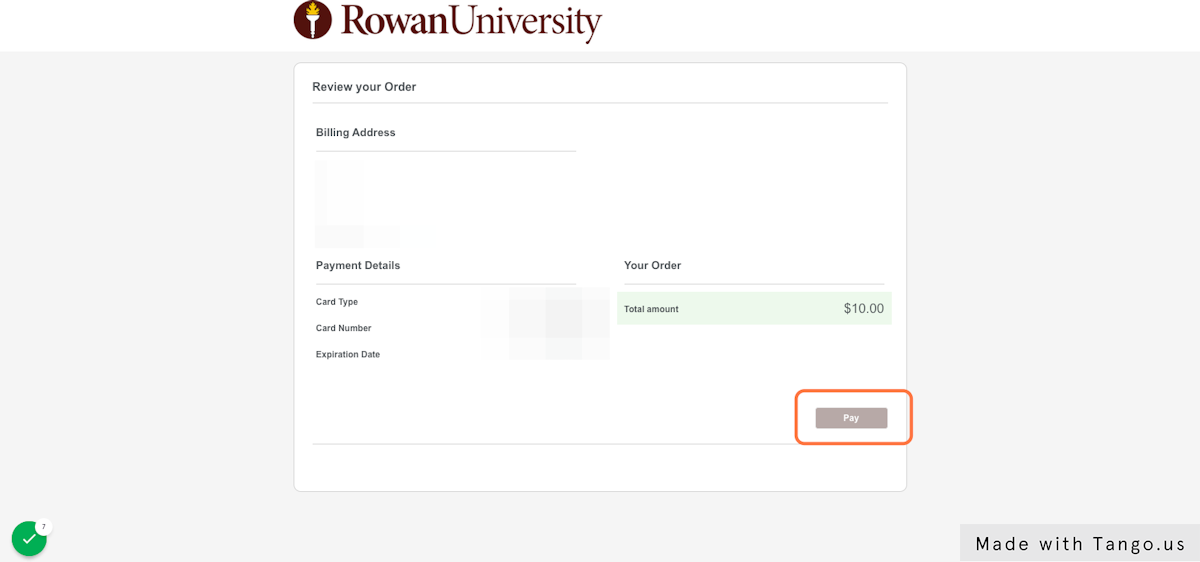
8. You will be brought to a page to confirm your deposit. Just select Pay on the bottom right to finish the deposit